How to Make a Sheru Bhai AI Photo with Your Own Face
Last updated:
Use your own photo and a ready-made scene. The example photos on this page were made with the same engine.
See a Sheru Bhai photo example
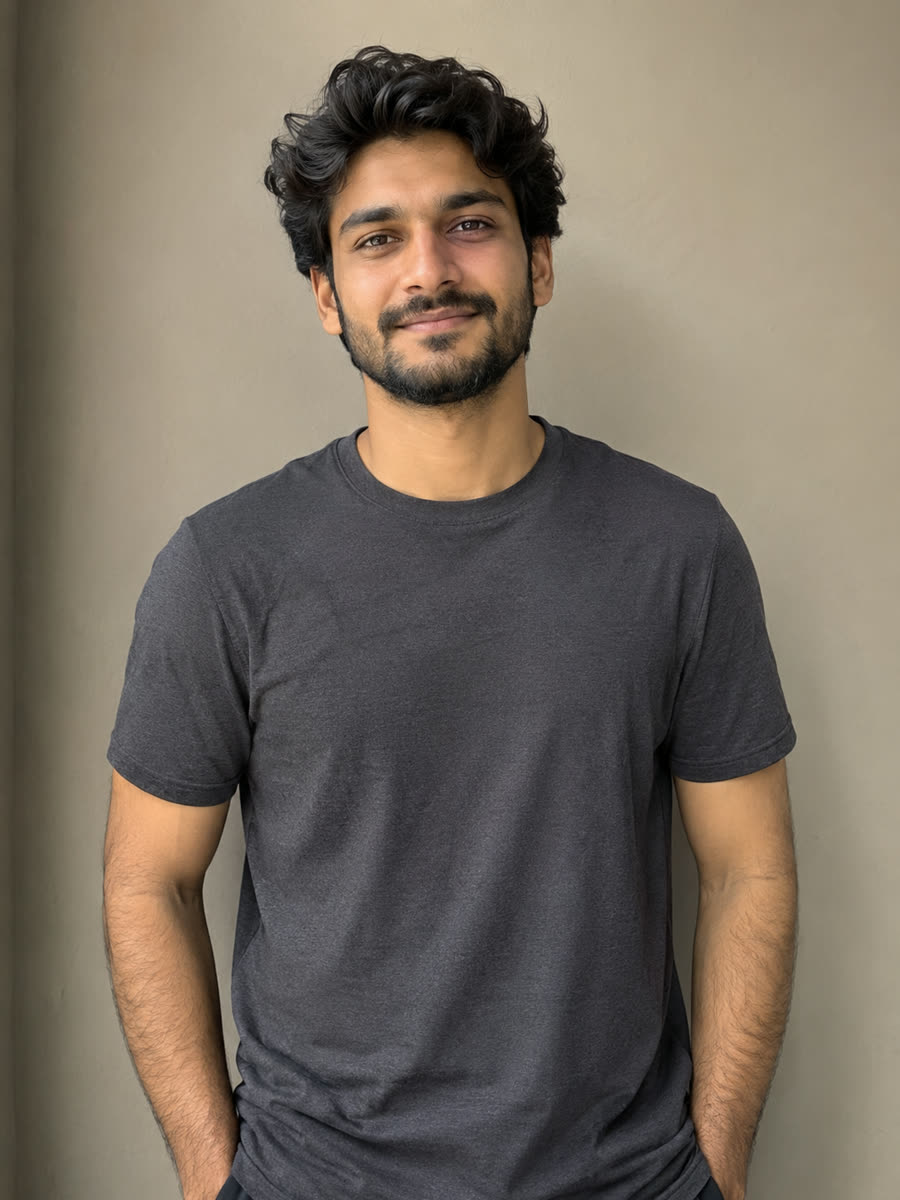 Original
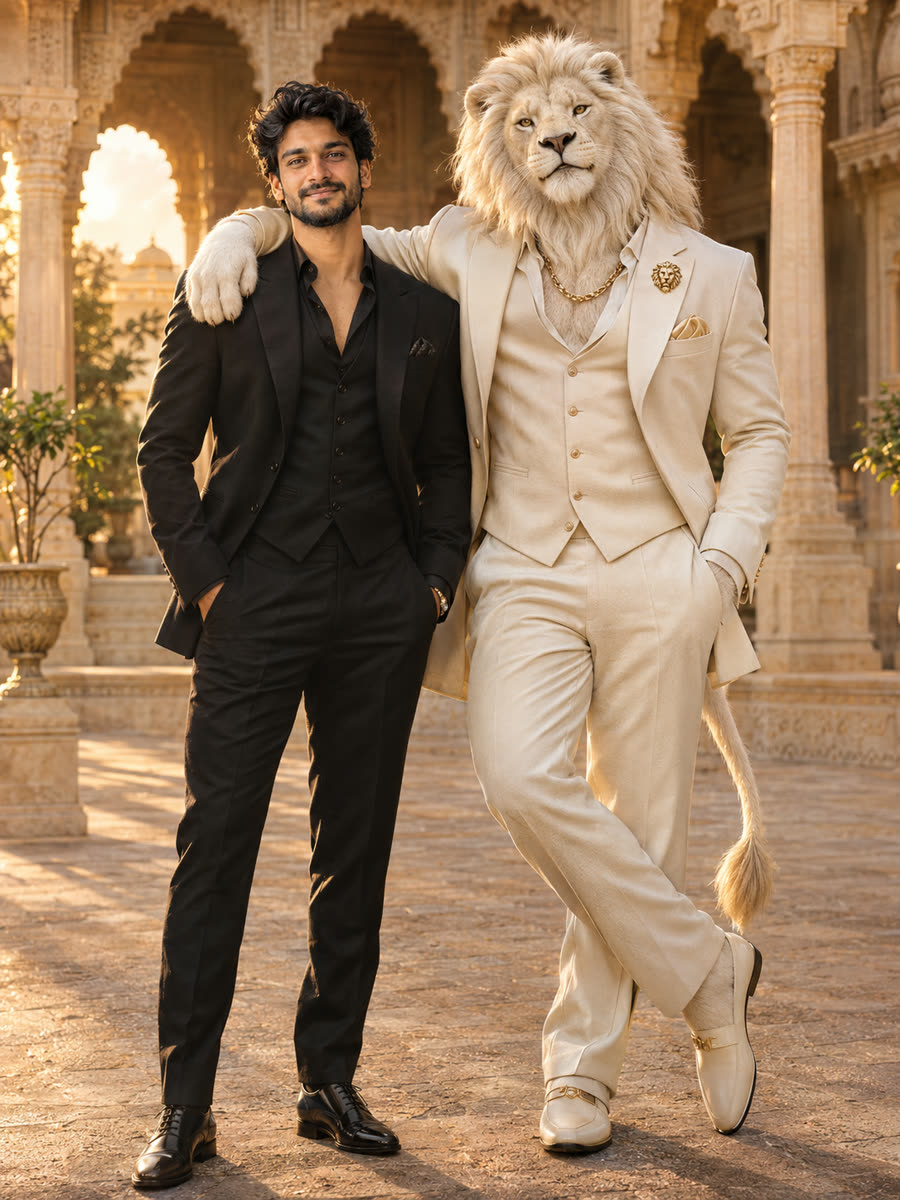 AI version
What Is the Sheru Bhai Photo Trend?
The photo trend lets people imagine themselves standing beside the lion boss, posing with luxury cars, or sharing a royal moment in a grand palace.
What You Need
A clear photo of yourself or an adult who has agreed to share it, an account, and a one-time photo purchase.
Step 1: Choose a Clear Photo
Upload a well-lit portrait with your face clearly visible. Use JPG, PNG, WebP, up to 10 MB, with a minimum side of 300px.
Step 2: Select a Sheru Bhai Scene
Choose Meet Sheru Bhai, Royal Brothers, Supercar Duo, or Boss Entry. Every scene costs the same 10 credits.
Step 3: Generate Your AI Photo
Sign in, confirm consent, and start generation. One photo costs $1.99 USD, one-time payment. Technical failures return the deducted credits automatically.
Step 4: Download and Share
Download the result from the generator or your dashboard. Files are deleted automatically after the retention period shown on the result.
Free Sheru Bhai AI Photo Prompts
Visit /prompts to copy a sheru bhai prompt into a compatible AI image tool, or return to the homepage generator to use a ready-made scene.
Tips for Better Results
Use a sharp, recent portrait.
Face the camera in even light.
Avoid heavy filters.
Keep your face unobstructed.
Use only adult photos you have permission to share; facial similarity may vary.
FAQ
What kind of photo should I upload?
Use a sharp, well-lit portrait with your face clearly visible. Avoid blurry images, heavy filters, and anything covering your face.
Does retrying cost extra?
Each generation is a separate $1.99 payment; if a generation fails technically, the credits are returned automatically so you can try again without paying twice.
Ready to Meet Sheru Bhai?
Create My Sheru Bhai Photo